
The OneClickBlocks About Us Widget is a powerful Elementor widget that lets you build a complete, professional-looking About Us section in minutes — no coding required. With pre-built design layouts, you can present your brand story, team image, company philosophy, and key highlights in a clean and structured layout that looks great on all devices.
Go to your WordPress Dashboard and navigate to OneClickBlocks → Elements. Find the About Us Widget, toggle it to Enable, and click Save Settings.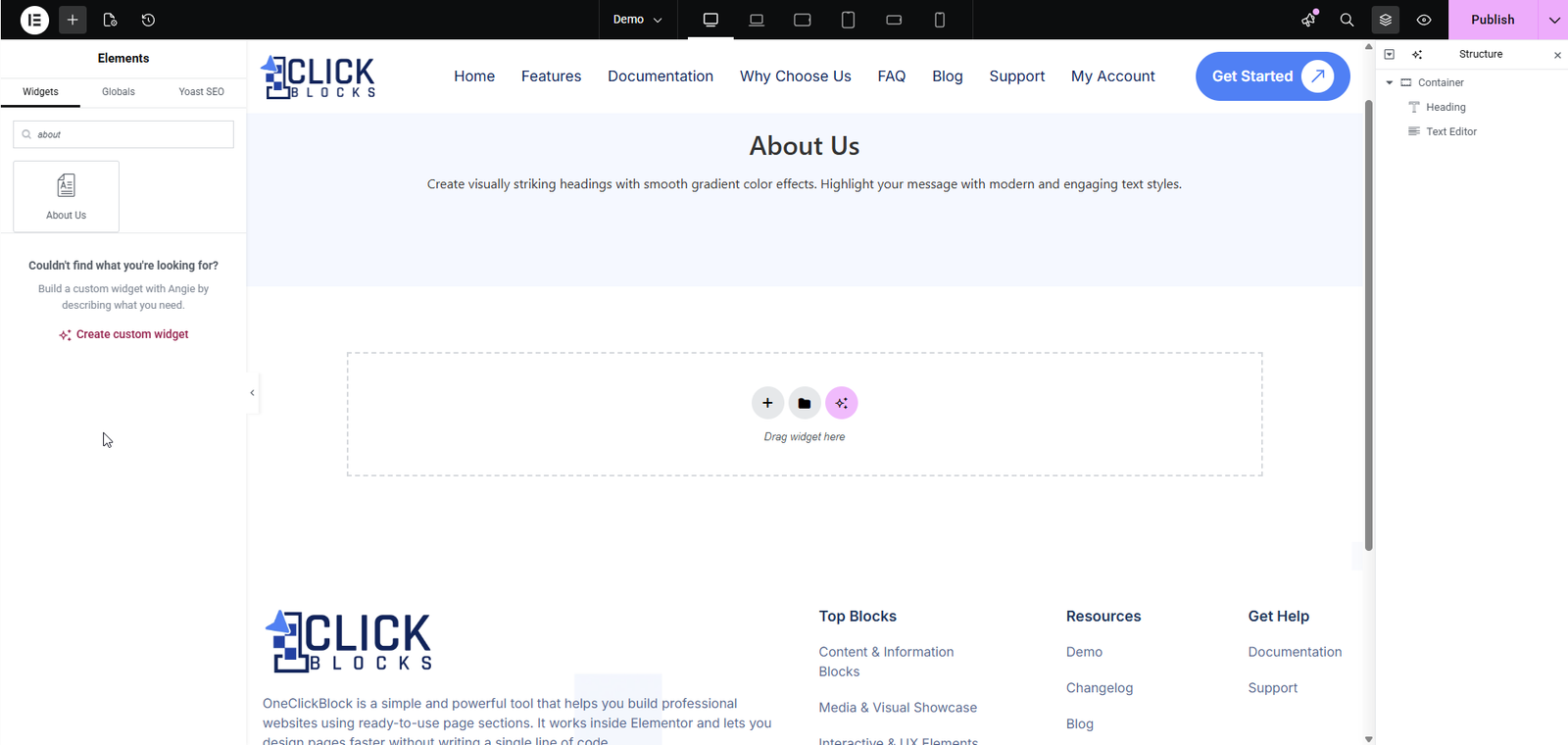
Next, open any page in the Elementor Editor. In the left panel, search for “About Us” in the widget search bar, then drag and drop it onto your page canvas. The Edit About Us panel will open on the left with three tabs — Content, Style, and Advanced.
Use the Section Layout & Content dropdown to choose your preferred pre-built layout. Switching layouts updates the live preview instantly and does not delete any of your entered content.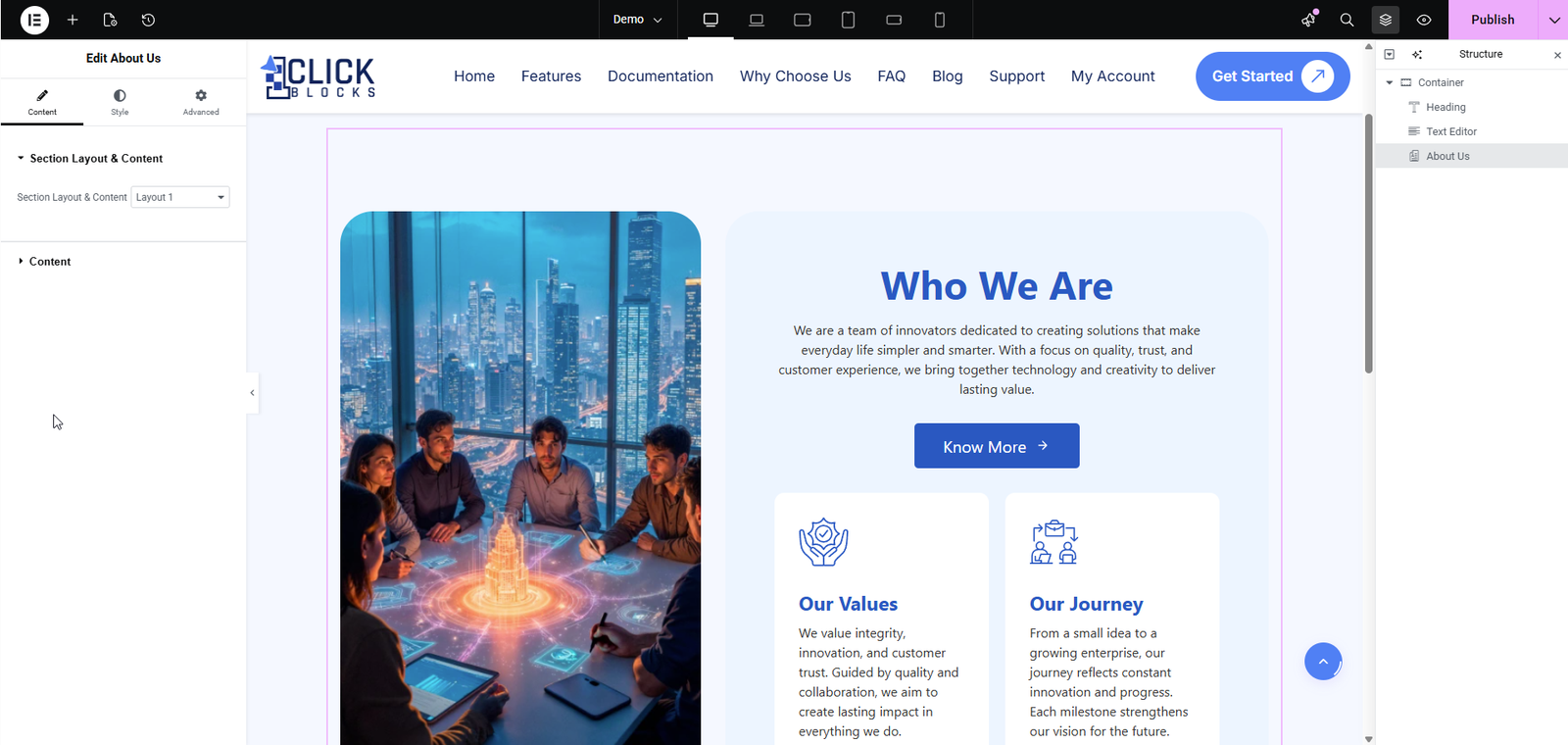
Enter the main heading for your section — for example, Who We Are, About Us, or Our Story.
Write your company description or brand story using the built-in rich text editor. You can apply bold, italic, bullet lists, and hyperlinks to make the content engaging and readable.
Set the text for your call-to-action button — for example, Know More, Learn More, or Read Our Story.
Enter the link the button should direct visitors to when clicked.
Optionally add an icon or a custom image that appears alongside your button label.
Upload the main visual for your About Us section — typically a team photo or brand image. It will be displayed based on your selected layout.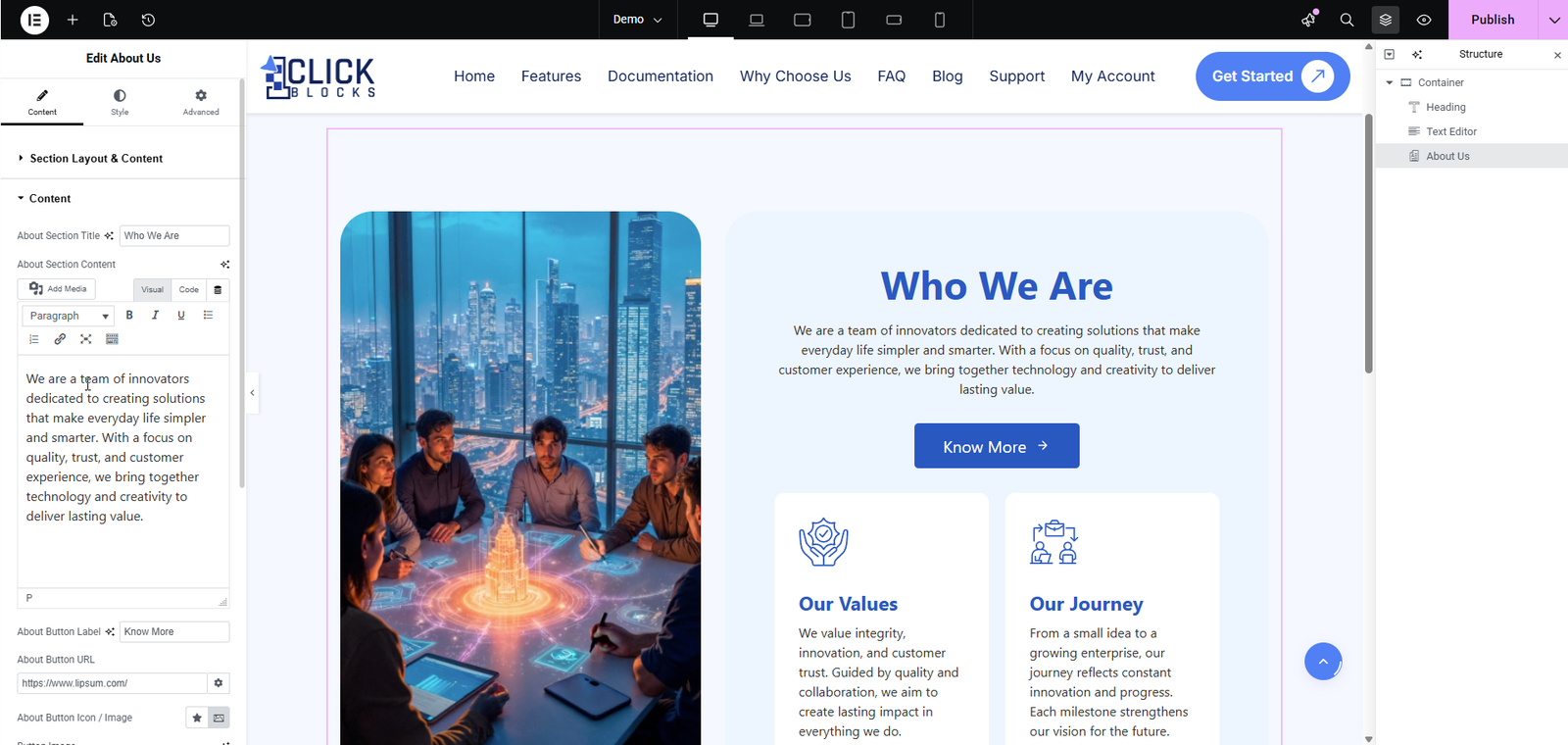
Available in select layouts. Add a highlighted blockquote to feature your brand philosophy, mission statement, or founder’s message. Enter the Quote Content for the body text and a Quote Title (e.g., Our Philosophy) as the label shown below it.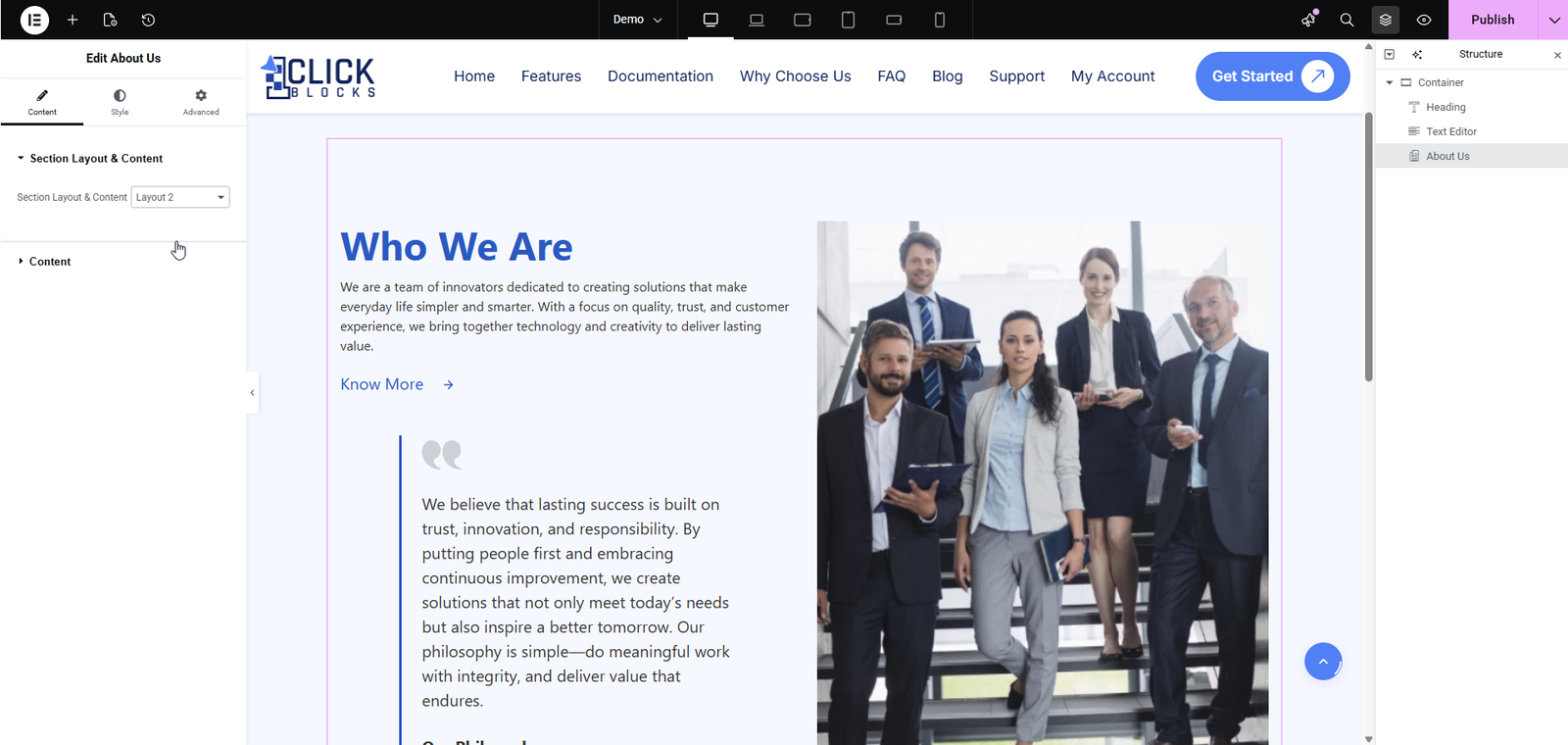
Available in select layouts. Add a bulleted list to present your core beliefs, commitments, or key offerings. Set a Section Label above the list (e.g., We believe in doing) and click + Add Item to add as many bullet points as needed.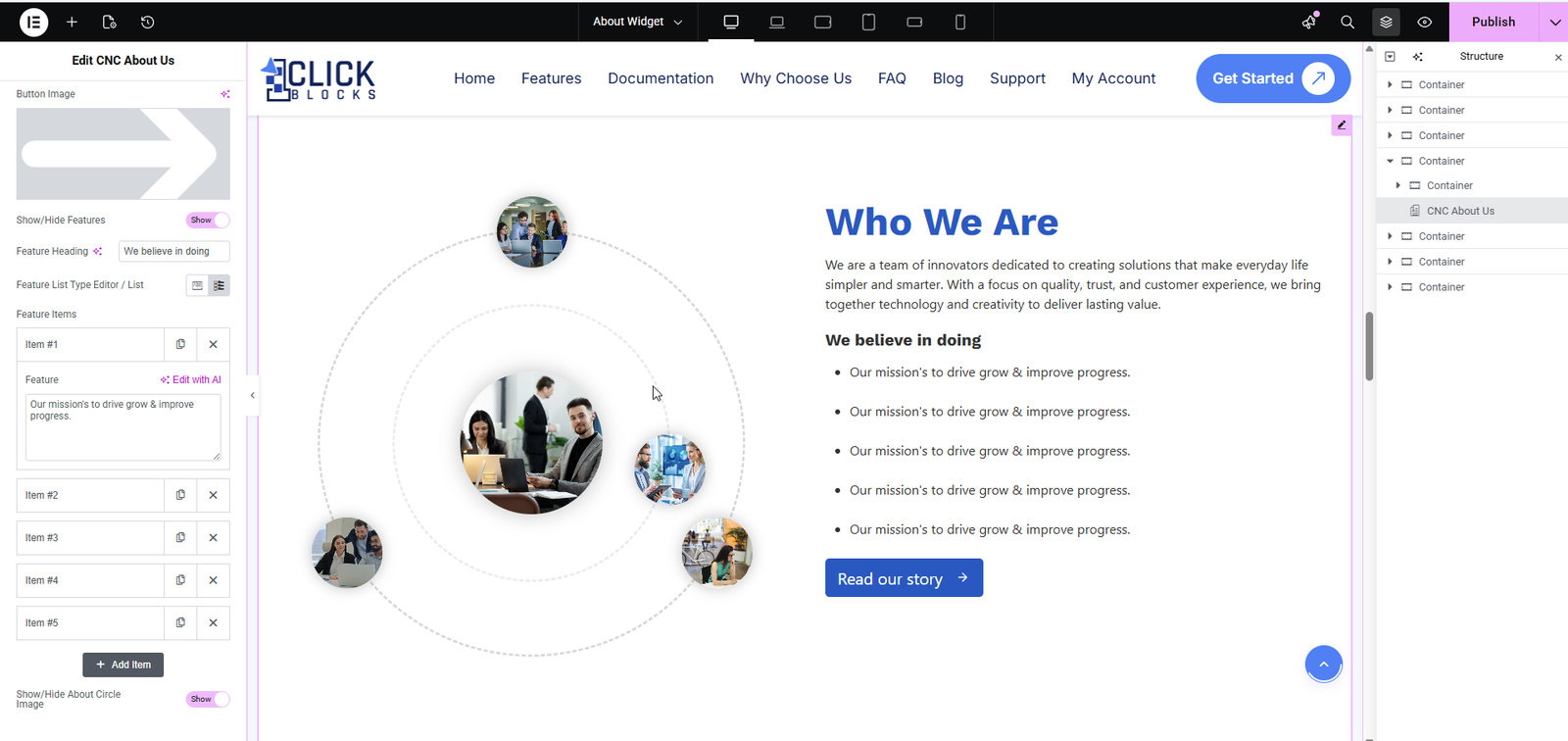
Available in select layouts. Display multiple information cards — such as Our Mission, Our Vision, Our Values, and Our Journey — in a structured grid. Use the Show/Hide toggle to display or hide the entire cards section. Each card has its own Title and Content field. Click + Add Item to add more cards and the × icon to remove any card.